Use case · WebP to SVG
Convert WebP to SVG
WebP is lightweight for the web, but it’s still a pixel image that breaks when enlarged. Imalyn rebuilds it as a flat-color SVG vector that scales infinitely and keeps the WebP’s transparency.
5 free vectors a week · no card
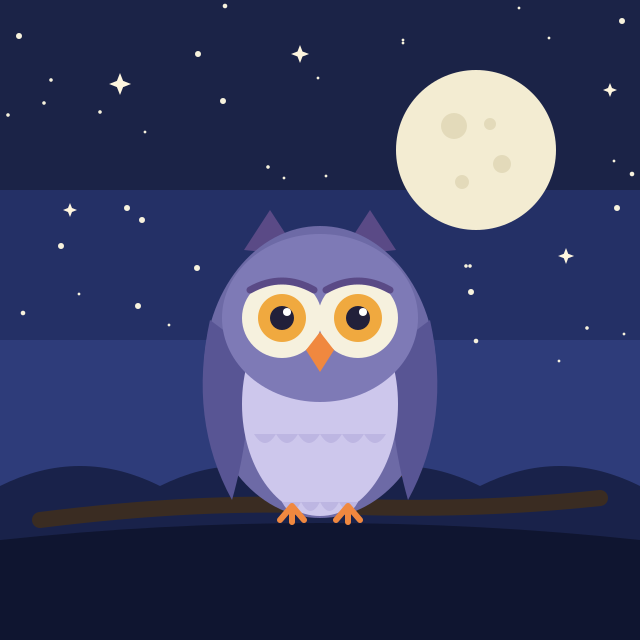
Keeps transparency
The WebP’s alpha is preserved: the SVG comes out with a transparent background, ready for any surface.
Truly scalable
One file valid from an icon to a poster, always with crisp edges.
Editable by color
Each color is a layer: recolor or tweak it after vectorizing.
What WebP is and why vectorize it
WebP is Google’s modern web format: it weighs less than PNG or JPG while keeping good quality, which is why more and more images are saved this way. But it’s still a pixel image: enlarge it and it pixelates just the same, and many design or print programs don’t even accept it.
Vectorizing your WebP to SVG fixes both: you get an infinitely scalable file that’s also universal and opens anywhere. Ideal when you download a logo or icon as WebP and need to use it big or edit it.
How Imalyn converts your WebP to SVG
You upload the WebP (or drag it in) and the engine detects the color regions, traces their outlines as smooth curves and rebuilds the image layer by layer. If the WebP has transparency, the SVG keeps it; if it has a background you don’t want, erase it with the magic wand before vectorizing.
Before downloading you compare before/after with the slider and adjust the colors. All in the browser, nothing to install, and your image is deleted after 24 hours.
WebP with transparency: the background is preserved
WebP supports an alpha channel just like PNG. If yours has a transparent background, Imalyn keeps it in the SVG, so you can place the result over any color without boxes. That’s what you need for logos, icons and stickers that sit on different backgrounds.
If your WebP has a solid background, the magic wand lets you remove it before vectorizing so the SVG comes out clean and cut out.
Where to use the resulting SVG
Once converted, your design works for the web (crisp on any screen, including retina), for print at any size, for cutting on Cricut or Silhouette and for further editing in vector tools. And it’s lightweight, so your page loads fast.
Free, you convert and download the SVG; with Pro you vectorize without limits and also export to PDF and EPS.
Three steps. Nothing to install.
Provide the image
Upload a PNG, JPG or WebP —or describe it and let AI generate it in a flat style—. Crop it if you only want a part.
Vectorize
The engine analyzes the strokes and rebuilds each shape as smooth curves, preserving intended peaks and corners.
Edit & export
Compare before/after, fine-tune and download as SVG, PDF or EPS. Scale to any size without pixelating.
— Frequently asked questions
Convert WebP to SVG
Why convert WebP to SVG?
WebP is raster: it pixelates when enlarged. SVG is vector, scales without limit and is editable by color; ideal for logos and flat illustrations.
Does it keep WebP transparency?
Yes. If the WebP has an alpha channel, the resulting SVG keeps it.
Does it work for WebP photos?
It works best with flat-color graphics. A photo with many gradients isn’t the ideal case to vectorize.
Is WebP better to vectorize than PNG or JPG?
What matters is the content, not the format. A flat-color WebP vectorizes just as well as the same design as a PNG. If your WebP has transparency, it’s kept; if it’s a photo with gradients, no format turns it into a good vector.
Does every program open the result?
The SVG you download is standard and opens in any browser, Illustrator, Inkscape, Figma or Canva. Unlike WebP (which some older programs can’t read), SVG is universal and editable.
More ways to vectorize
Convert WebP to SVG free
Create your account and vectorize 5 designs free every week.
Create free account